Settings
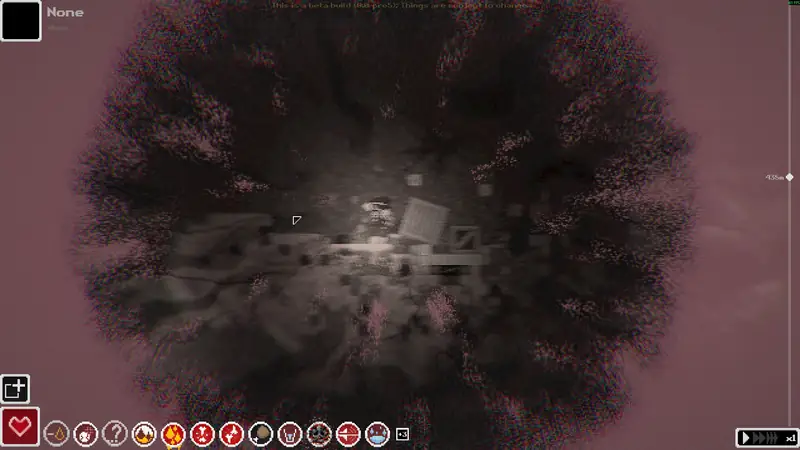
For clearer visuals, public Steam users recommend turning off the pixelated rendering filter and adjusting high-contrast backgrounds, bloom and film grain. The console also provides fullbright. Language files are published in the official locale repository.
Full bright
The console command is fullbright. It toggles debug lighting and has to be used during a run. It is not a menu slider I can point at.
Pixelated rendering and visual clarity
In the public Visual clarity discussion, multiple posters describe disabling pixelated rendering, bloom and film grain in options. They also describe a darker or higher-contrast background setting, with one poster placing that control in run settings. This is 1 community discussion source, with multiple contributors; the thread does not establish a single exact menu path for every setting.
Retro gaming font
Retro Gaming is a font name that appears in community font projects. The public sources linked here do not establish a built-in font picker. Use a font mod only when its author provides installation instructions and release compatibility; the general mod installation guide explains how to keep a backup and remove a plugin.
Language
The Steam store lists English and Simplified Chinese. The official locale repository also contains Spanish (Latin America and Spain) at v1.0.1, Russian at v1.0, Ukrainian, Vietnamese, and Korean. Russian is one small version behind 1.0.1. See русификатор and español.
Questions
How do I turn on full bright?
The community Console article documents fullbright as a debug-lighting command used in a run. The visual-clarity thread separately describes graphics options.
Related guides
Sources
| Source | Checked |
|---|---|
| Miraheze — Console (1 community source) | 2026-11-12 |
| Official locale repository | 2026-11-12 |
| Steam store page | 2026-11-12 |
| Steam discussion: Visual clarity | 2026-11-12 |